Terminal and search
Terminal
The terminal sits under the chat or file you are reading, across its whole width. Each shell is a tab; + opens another, in the current project's folder.
| Keys | Does |
|---|---|
⌃` | Show or hide the terminal |
⌃⇧` | A new terminal |
⌃` works from inside the shell too, so you can hide the terminal right after running something in it.
⌘-click a file path in the output to open the file.- Select some output and send it to the current chat's composer, to ask about an error without copying it by hand.
- Restart shell starts a fresh one in the same tab.
Shells end when Vey Studio quits.
Search
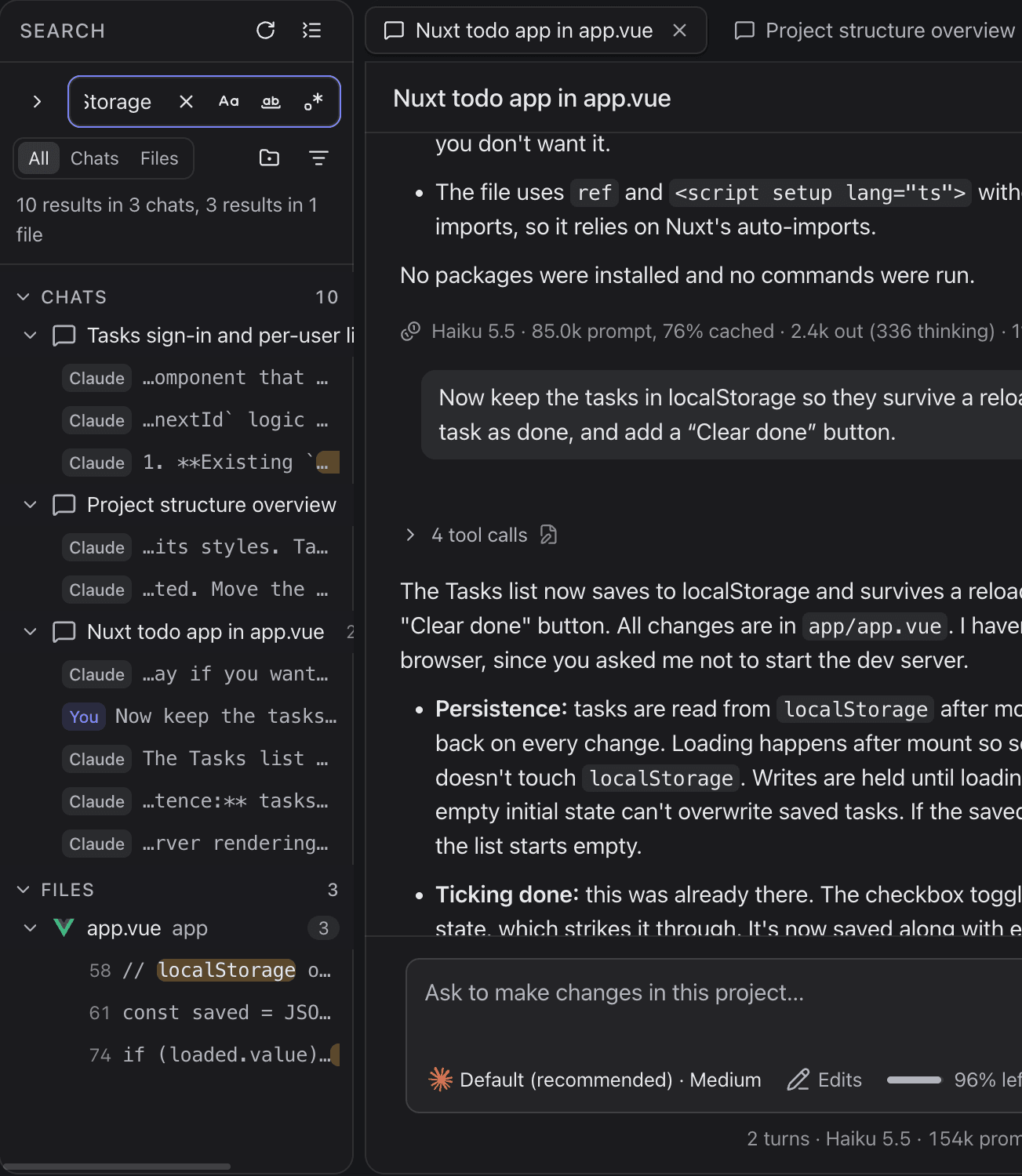
Search (⇧⌘F, or the magnifier on the left rail) looks through every file in every project and everything said in every chat.
Aamatches case,abwhole words,.*a regular expression.- Narrow it with All / Files / Chats, Search only this project, and the files to include and to exclude (
src/**,*.test.ts). - Replace rewrites matches in files, one match or one file at a time. Chats are never changed. With
.*on,$1in the replacement is the first group,$&the whole match. F4/⇧F4walk the results;⌫dismisses one.
Click a result to open the file at that line, or the chat at that message.
The command palette
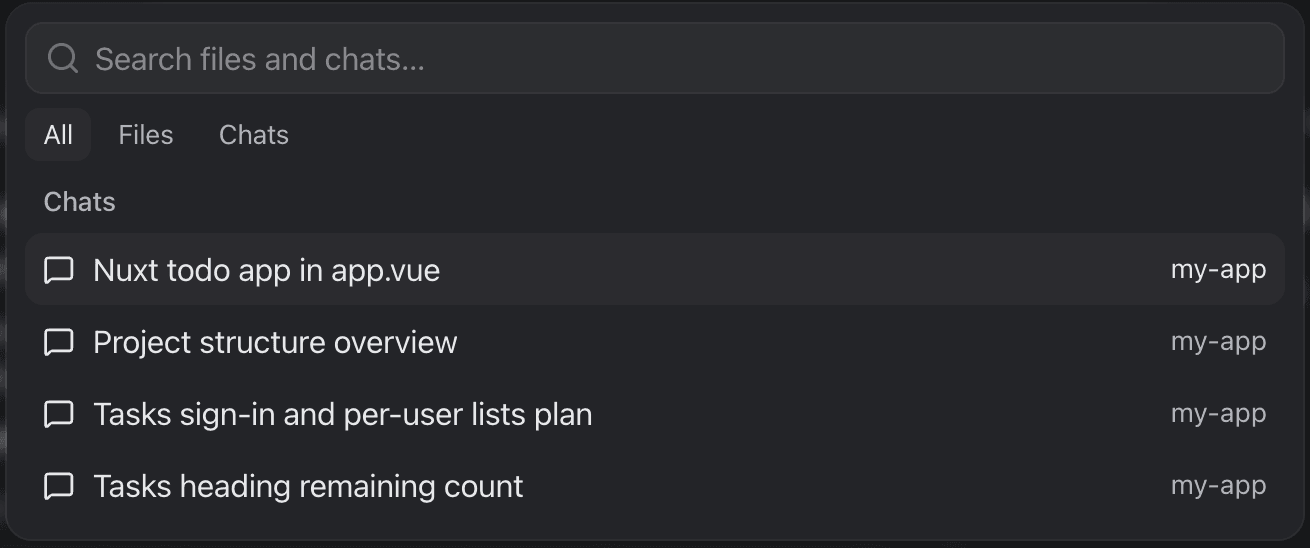
⌘P, or the Run a command field in the title bar, finds a file or a chat by name.